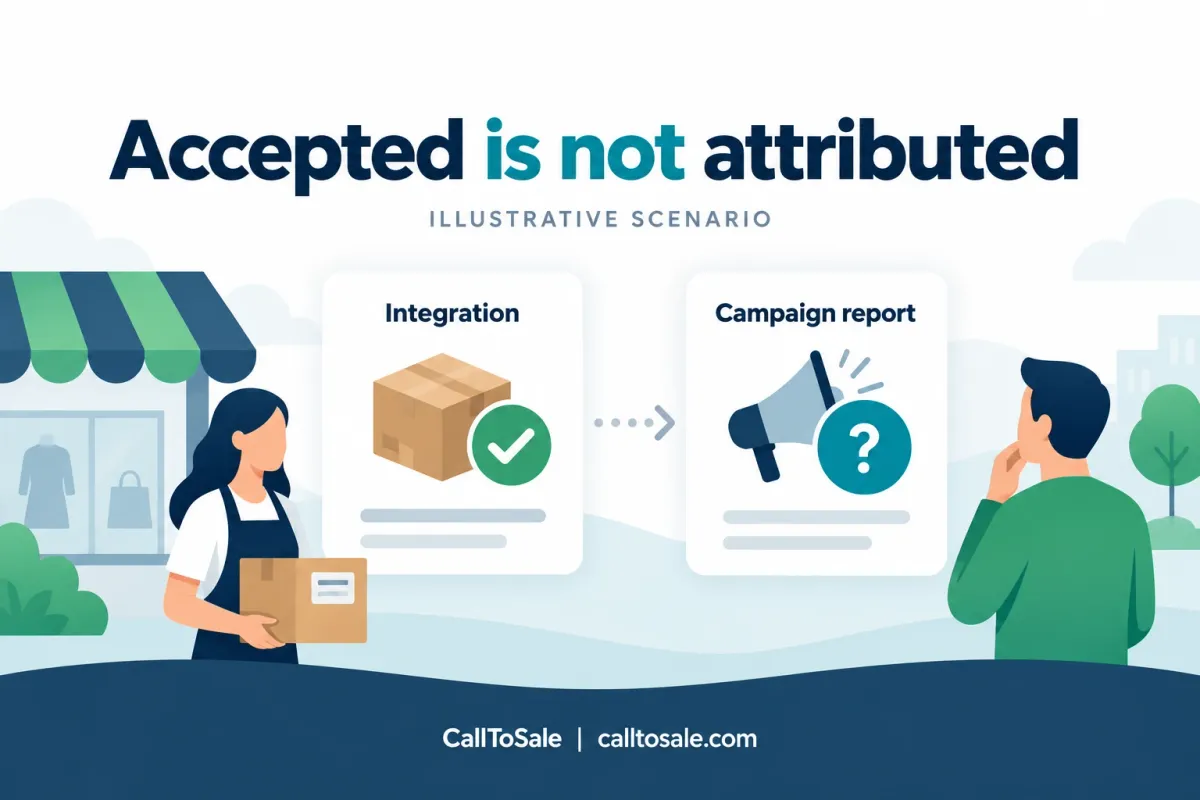
Illustrative scenario. This is a hypothetical example, not an actual client testimonial or documented customer result.
A fictional appliance retailer tests an offline purchase connection. Its internal report links an inquiry to a verified Shopify POS order. The integration returns a response that appears successful. The owner opens the advertising dashboard and sees no corresponding campaign sale. It is tempting to upload the event repeatedly. A better first step is to determine what the response actually confirms.
Published October 15, 2026. For businesses using Shopify and Shopify POS.
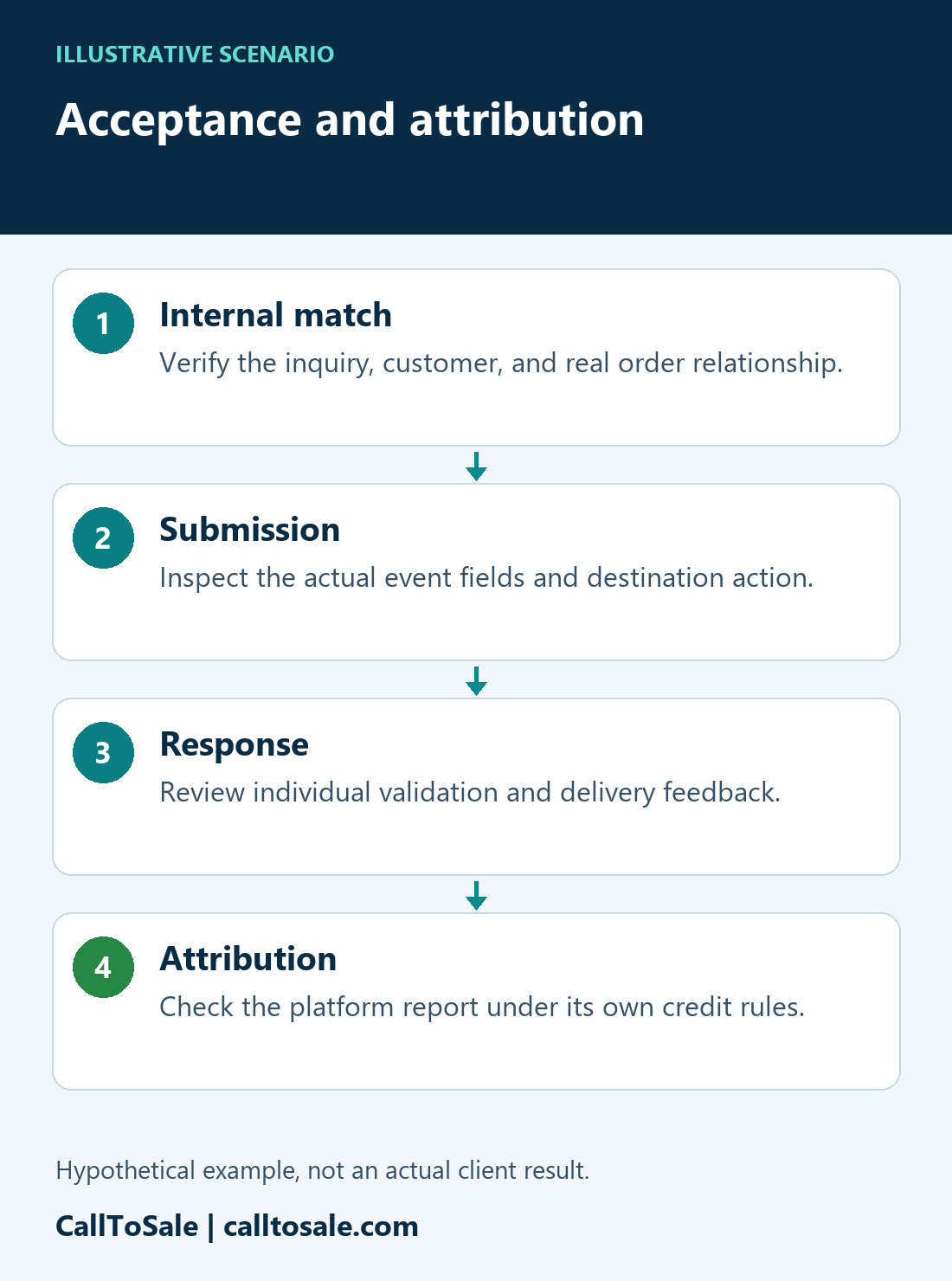
Real Life situations | Illustrative scenarioAcceptance and attributionThe proposed checks in this hypothetical journey.- 1Internal matchVerify the inquiry, customer, and real order relationship.
- 2SubmissionInspect the actual event fields and destination action.
- 3ResponseReview individual validation and delivery feedback.
- 4AttributionCheck the platform report under its own credit rules.
Illustrative scenario, not an actual client result. Matching and reporting depend on available evidence and the configured integration.
Open the full-size scenario infographic
Separate three different observations
The store has an internally matched purchase. The integration has a delivery or validation result. The advertising platform has its own attribution report. These are related, but none is a substitute for the others. CallToSale would ask which record and conversion action the success message refers to, whether the response includes per-event failures, and whether enough processing time has passed before interpreting the dashboard.
Inspect the event that was actually sent
We would compare the stored purchase with the submitted identifier, conversion action, original event time, currency, value, and stable reference. A correct-looking total response can conceal a rejected individual item in a batch. Google's API documentation describes reviewing partial-failure information when investigating upload errors. The team should retain useful diagnostics without spreading raw customer details across support notes.
Review the platform requirements
An accepted event may still not receive the credit the owner expects. We would inspect the relevant account, attribution settings, reporting columns, date basis, and conversion window using current documentation for that destination. We would not move the purchase date, substitute another shopper's click identifier, or label a test marker as a genuine advertising click to force a visible result.
Check the customer relationship separately
Even when the upload fields are valid, the internal match needs dependable evidence. A similar name is not enough to establish that the advertiser's visitor became the POS customer. We would review the inquiry-to-customer-to-order path and keep any uncertainty visible. A destination response cannot repair an unreliable relationship created upstream.
Avoid turning an investigation into duplicate events
The team would preserve the original event identity and inspect what the destination already received before retrying. A retry policy should follow the supported integration and error classification. We would test one authorized example, record the outcome, and compare it with the intended reporting view. Correcting a value or retracting a sale may require a different supported operation from submitting a new purchase.
What a useful explanation looks like
The final note to the fictional owner would identify which stage succeeded, which stage remains unresolved, and the next evidence needed. It could explain a rejected record, a reporting-date mismatch, or an event that receives no campaign credit under the applicable rules. A credible outcome does not promise that every accepted event will appear as attributed revenue.
Related practical guides
Official platform references
Find the missing step in your store
Book a free sales tracking audit to review your inquiry, customer, and Shopify POS order workflow. Explore Real Life situations for more clearly labeled hypothetical examples.