Illustrative scenario. This is a hypothetical example, not an actual client testimonial or documented customer result.
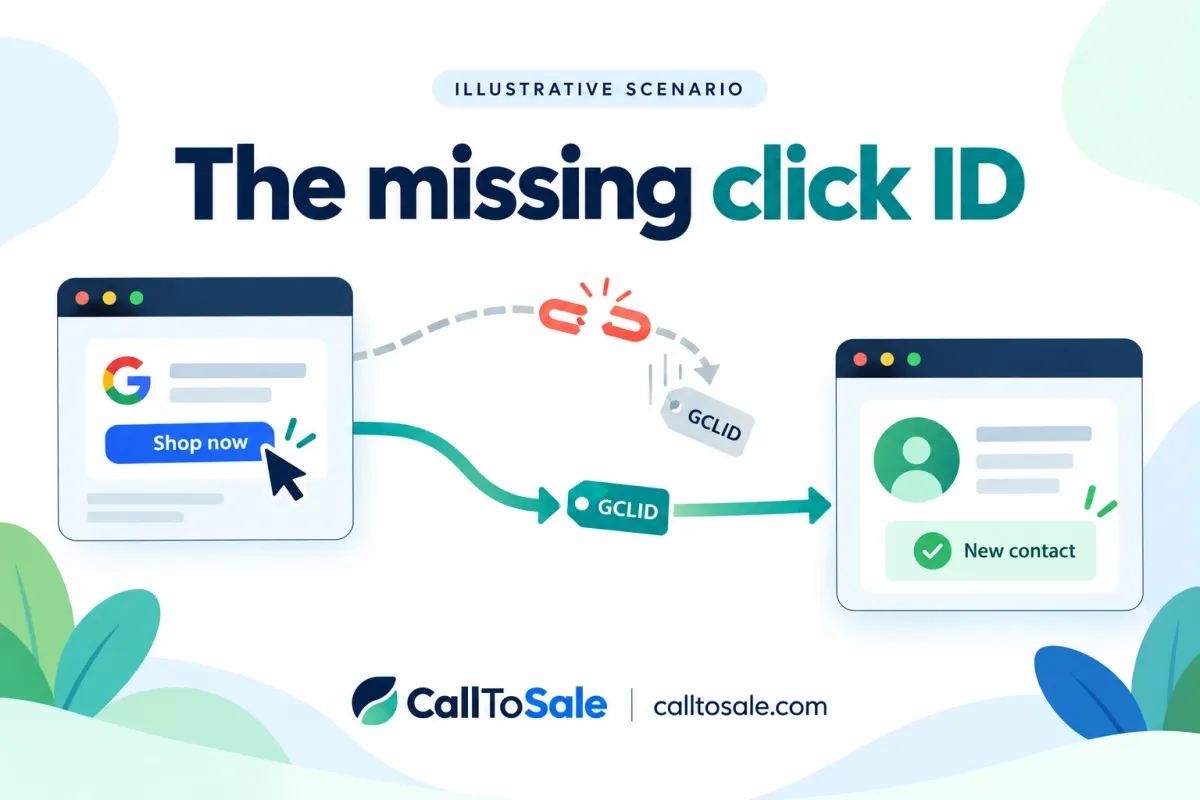
A fictional appliance retailer replaces an old promotional landing page with a faster one. Phone inquiries continue, but newly submitted leads no longer contain the Google click identifier the team expected to capture. Later store purchases still appear in Shopify POS. The owner suspects the entire integration has stopped. The first question is smaller: at which step did the identifier disappear?
Published October 15, 2026. For businesses using Shopify and Shopify POS.
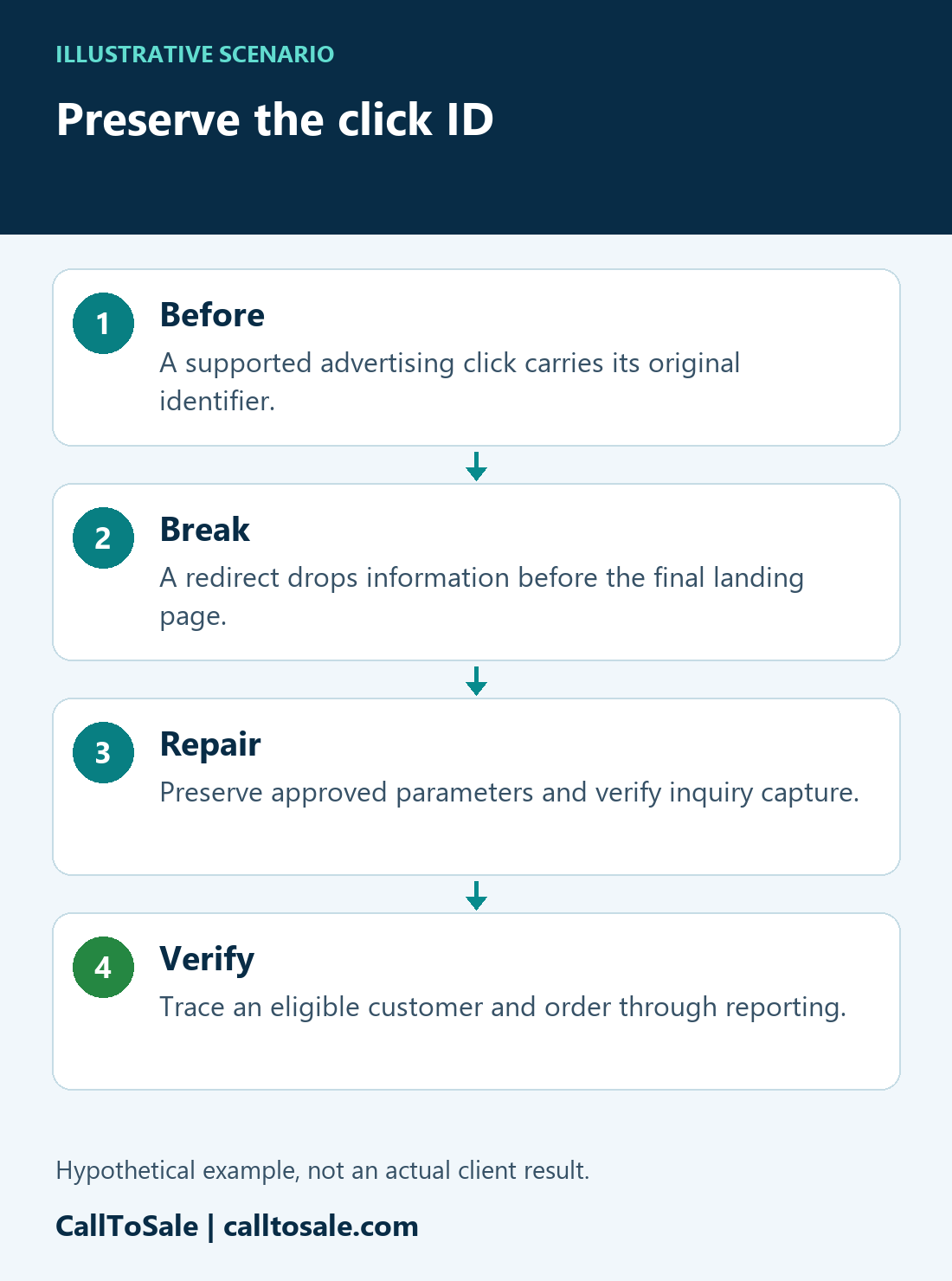
Real Life situations | Illustrative scenarioPreserve the click IDThe proposed checks in this hypothetical journey.- 1BeforeA supported advertising click carries its original identifier.
- 2BreakA redirect drops information before the final landing page.
- 3RepairPreserve approved parameters and verify inquiry capture.
- 4VerifyTrace an eligible customer and order through reporting.
Illustrative scenario, not an actual client result. Matching and reporting depend on available evidence and the configured integration.
Open the full-size scenario infographic
Follow one path before changing the campaign
We would document the advertisement destination, redirect, final landing page, form, and saved inquiry record. Google explains that when a site uses redirects, the GCLID needs to reach the final landing page for the relevant tracking workflow. A campaign label or a remembered search term is not a replacement for a missing authentic click identifier. The investigation should preserve the original evidence rather than filling gaps with invented values.
Inspect what the redirect keeps
In this hypothetical case, the old address redirects to the new page without retaining its query parameters. The final page looks correct to a shopper, so the defect is easy to miss during a visual review. We would compare the original and final addresses in an authorized test, then inspect which values the inquiry capture process receives. A synthetic test marker can help locate a transport defect, but it is not a valid advertising click and should not be uploaded as a purchase identifier.
Repair the capture path, not the historical record
The proposed repair is to preserve the appropriate parameters through the approved redirect and verify the form captures the supported identifier with its inquiry. Access, consent, and the configured integration determine what can be retained. We would not claim that the change reconstructs identifiers for old visitors. Historical leads with missing evidence would remain in an exception group unless another supported, independently verified method applies.
The POS order still needs its own connection
Preserving a GCLID does not establish which shopper later purchased. The store still needs verified customer details, the correct profile attached to the Shopify POS order, and a defined purchase status and value. We would trace the contact-to-order relationship separately from click-ID capture. A repaired URL is one part of the workflow, not proof of a complete sale.
How the repair would be verified
We would test the published destination on mobile and desktop, inspect the saved inquiry, and follow an eligible purchase through the configured reporting path. The team would review validation feedback and confirm that repeat delivery does not create another purchase. The acceptance of an event and the allocation of campaign credit remain separate checks. No recovered revenue figure is claimed in this fictional example.
Prevent the next silent break
Add a tracking check to the release checklist for new domains, redirects, forms, and landing pages. Keep a small, documented test route and compare source-field coverage before and after a change. An unexpected rise in missing identifiers should trigger review before the team concludes that advertising demand has changed.
Related practical guides
Official platform references
Find the missing step in your store
Book a free sales tracking audit to review your inquiry, customer, and Shopify POS order workflow. Explore Real Life situations for more clearly labeled hypothetical examples.