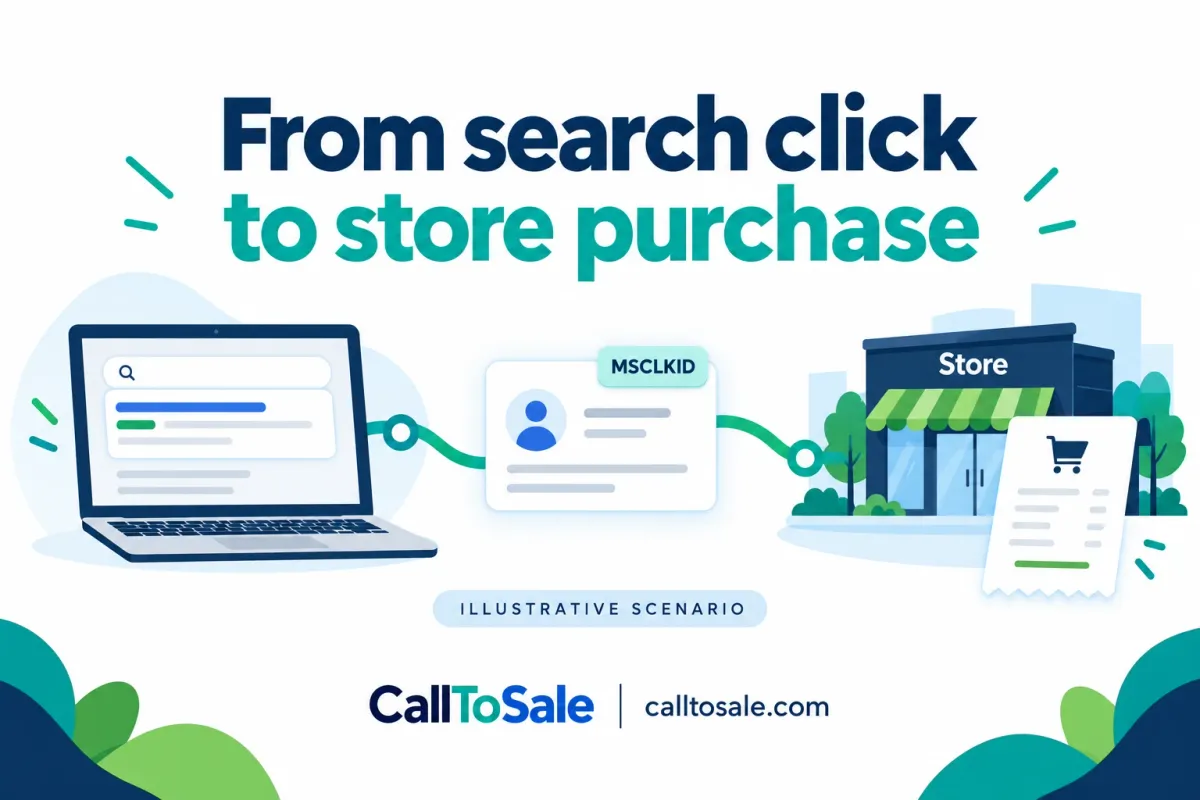
Illustrative scenario. This is a hypothetical example, not an actual client testimonial or documented customer result.
A fictional bike shop receives product inquiries from Microsoft Advertising. Its employees can name several callers who later visited the showroom, but the advertising report does not show the purchases the owner expects. The store already records sales in Shopify POS. Before increasing or cutting the campaign, the team needs to distinguish a missing connection from a campaign that failed to produce buyers.
Published October 15, 2026. For businesses using Shopify and Shopify POS.
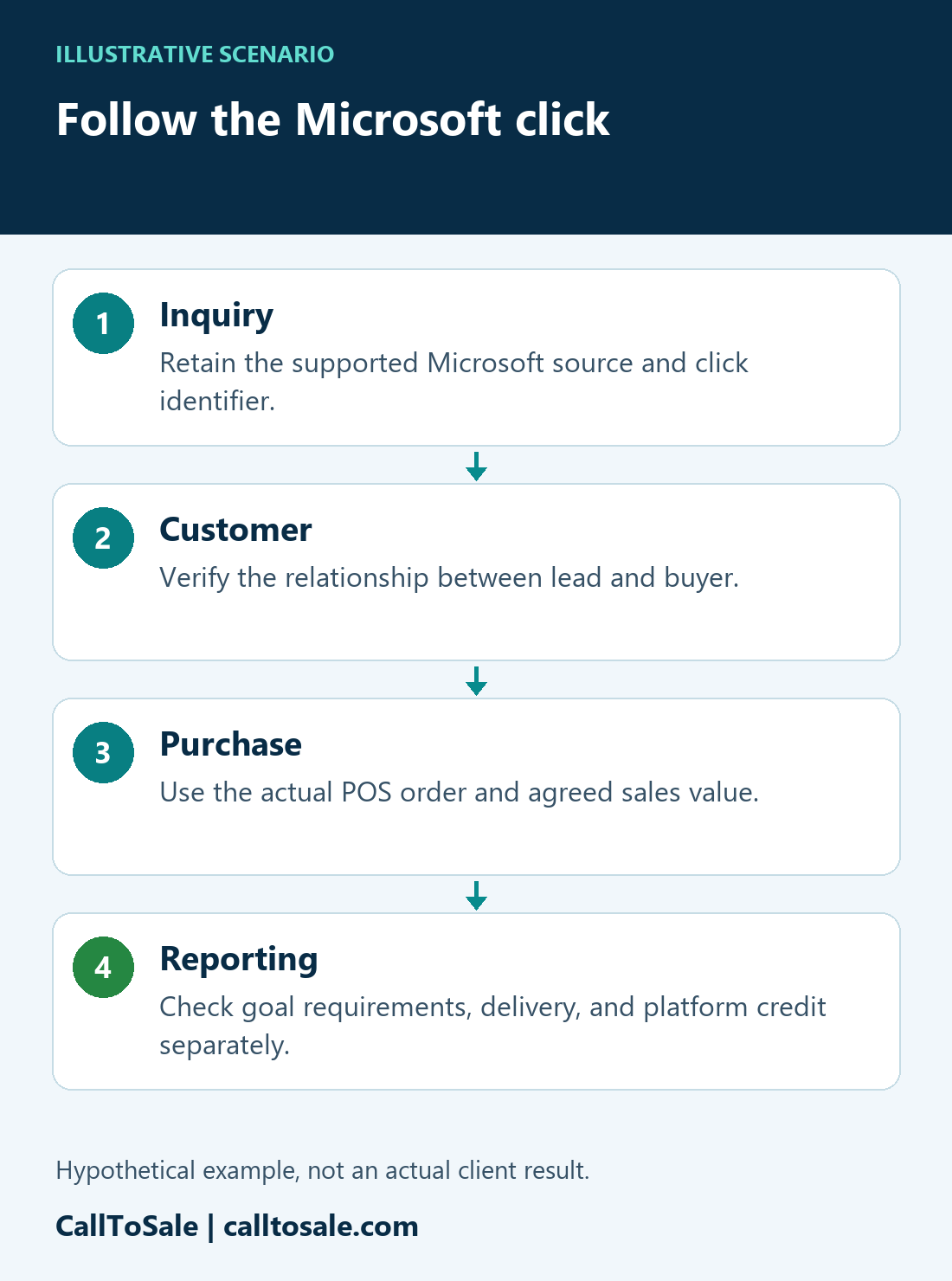
Real Life situations | Illustrative scenarioFollow the Microsoft clickThe proposed checks in this hypothetical journey.- 1InquiryRetain the supported Microsoft source and click identifier.
- 2CustomerVerify the relationship between lead and buyer.
- 3PurchaseUse the actual POS order and agreed sales value.
- 4ReportingCheck goal requirements, delivery, and platform credit separately.
Illustrative scenario, not an actual client result. Matching and reporting depend on available evidence and the configured integration.
Open the full-size scenario infographic
Do not substitute a Google identifier
The first review would ask what Microsoft-specific information was captured with each eligible inquiry. MSCLKID is the Microsoft click identifier; a Google GCLID or a UTM campaign name should not be placed in that field. Microsoft documents a specific offline conversion record containing the Microsoft click ID, conversion name, conversion time, value, and currency. The relevant goal and supported integration must be checked before any upload is proposed.
Start with the inquiry record
In this scenario, the form stores the campaign label but not the supported Microsoft click ID. We would inspect the landing-page and form path, then verify how the source and identifier are retained with the original inquiry. Existing contact fields should not be overwritten simply because the shopper returns through another channel. CallToSale would assess the available Microsoft reporting connection during the audit rather than treating every account as already configured.
Connect the shopper to the actual order
The bike shop would confirm accurate customer information during useful follow-up, then verify the correct customer at checkout. The completed Shopify POS order supplies the purchase reference, status, and agreed value. A caller asking about an e-bike may buy a different model. That change is not a reason to assign the purchase to a different person or fabricate a new source.
Define the offline purchase event
For a supported implementation, we would check that the event uses the intended conversion goal, original purchase time, currency, and revenue definition. The purchase must meet the relevant account and goal requirements. A record outside an applicable window is an exception to investigate, not a reason to change its date. Multiple calls and multiple payments must not turn one order into several purchases.
Separate delivery from advertising credit
We would inspect the platform response and reporting after processing. An internally matched POS purchase, a submitted offline conversion, and a purchase credited by Microsoft are different observations. Rejected records need an explanation; accepted records still follow the platform rules. This fictional investigation therefore ends with a verification plan rather than an invented improvement in conversion rate.
The decision the owner could make
Once the gaps are documented, the owner can judge campaign performance with better context. Keep total store sales, eligible matched purchases, submitted events, and unmatched orders separate. If Microsoft-specific capture or reporting is unavailable in the current setup, record that limitation and scope the required work before promising a result.
Related practical guides
Official platform references
Find the missing step in your store
Book a free sales tracking audit to review your inquiry, customer, and Shopify POS order workflow. Explore Real Life situations for more clearly labeled hypothetical examples.