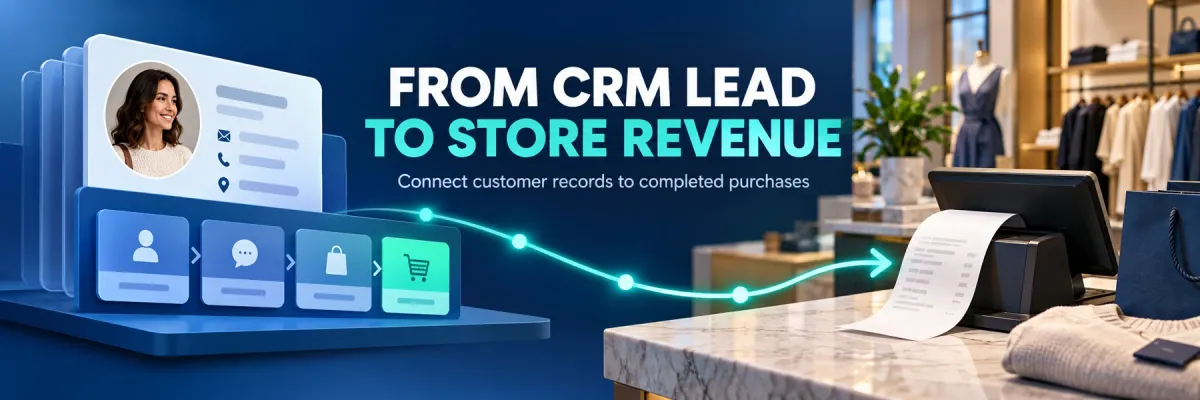
For brick-and-mortar retailers using Shopify and Shopify POS.
Your CRM may show the customer's first inquiry, a helpful conversation and a showroom appointment. Your store team may then complete the purchase at a Shopify POS counter. If the completed order never returns to the customer relationship, the CRM tells a lead-management story while your sales system tells a separate revenue story. HighLevel can organize the relationship; the next question is how your configured workflow connects that relationship to the purchase actually recorded in store.
Reviewed and updated October 15, 2026.
Marketing Guide · Visual guideFrom CRM lead to recorded store revenueUse the customer relationship to connect follow-up activity with a real order.
1
Identifiable inquiryCapture the contact and available source through a supported action.
2
CRM customer recordKeep the customer details, conversation and follow-up together.
3
Store handoffConfirm which customer is buying before the checkout is completed.
4
Shopify POS orderRetain the actual order reference, status and agreed revenue value.
5
Connected reportingCallToSale connects eligible records and highlights exceptions.
A won opportunity and a completed order are different records. Verify the purchase rather than assuming a pipeline stage proves a sale.
What HighLevel already contributes to attribution
HighLevel stores contact attribution and supports first and latest attribution for recorded interactions. Its documentation identifies supported events such as forms, calendars, chat and order forms, with setup requirements for external tracking. These features help your team understand how a contact arrived and what happened next. They do not mean every anonymous website visitor or every external transaction is automatically joined to that contact. Start by checking which events your own accounts capture and which source information is actually present.
Why a CRM opportunity is different from a POS order
A sales pipeline stage describes your team's view of progress. An opportunity marked won may reflect an accepted quote, a booking or a manually entered value. An actual purchase record adds its own order reference, date, status, currency and adjustments. HighLevel supports payment and commerce workflows, but a Shopify POS transaction belongs to a separate sales workflow until the relevant connection brings it in. The practical problem is an unconnected record, not a general inability of a CRM to report revenue.
Use the customer record as the bridge
CallToSale's standard workflow connects identifiable inquiries, HighLevel contacts and sales recorded in Shopify POS. Keep the available source with the contact and confirm the customer details used at checkout. Link the correct customer to the actual order, then use eligible relationships to connect the recorded outcome. Avoid relying only on a contact's name, an estimated opportunity value or the date of an appointment. The audit establishes the supported matching approach for your setup and shows which purchases may remain outside it.
Keep source, progress and order value separate
Give your team distinct places for where the lead came from, what action is due and whether a purchase has been recorded. Keep original acquisition information separate from later interactions so a follow-up message does not become a made-up acquisition source. Retain the POS order reference rather than repeatedly copying a total into notes. Document who checks exceptions and who corrects customer details. These small operating decisions make a connected report easier to explain than a pipeline full of attractive values with no traceable orders.
Example: the appointment and the purchase happen weeks apart
Imagine a shopper who submits a product question, receives a response and books a showroom visit. The CRM is useful for assigning the inquiry and keeping the promised follow-up visible. Two weeks later, the shopper buys at the counter using the same verified customer relationship. The purchase should supply the final order outcome even if its amount differs from the original quote. If another household member buys, verify the relationship before connecting the records. This is an illustrative workflow, not a claim about a client's results.
Review exceptions before using the report for budgeting
Compare CRM inquiries, open follow-ups, completed POS orders and matched purchases without treating them as the same count. Review duplicates, missing identifiers, orders without customers and cancelled purchases. Decide how deposits and refunds affect the revenue definition. If eligible purchase events go to connected advertising platforms, review delivery separately from the credit awarded there. A better-connected CRM helps explain the journey; it cannot recover source information that was never captured or guarantee an attribution result.
It supports contact attribution for recorded interactions. The available information depends on the supported event, tracking implementation and source data captured.
Does a won CRM opportunity prove a Shopify POS purchase?
No. A pipeline stage and its value should be reconciled with the actual order if the report is meant to measure completed in-store purchases.
Can HighLevel already track payments and sales?
Yes, it supports its own commerce and payment workflows. The issue here is whether a purchase made in your separate Shopify POS workflow is connected to the right record.
How does CallToSale use the CRM record?
The configured workflow retains available inquiry and source information with the customer and connects eligible relationships to purchases recorded in Shopify POS.
Should staff create a new contact for every inquiry?
Search for the appropriate existing customer first. Verify contact details and avoid merging or connecting uncertain records solely because the names look similar.
What happens when the purchase amount differs from the quote?
Use the documented purchase-value definition and the actual order outcome. Keep estimated pipeline value separate from recorded sales revenue.
Will CRM automation fix missing purchase identifiers?
Not by itself. Automation needs dependable source records and customer relationships; missing or uncertain information should remain visible as an exception.
Which retail systems does the standard service support?
The standard CallToSale service requires Shopify and Shopify POS. An audit confirms the account connections, workflow and matching scope before implementation.
CallToSale shares practical guides to connecting marketing inquiries with recorded sales. Its standard service connects Shopify POS, CallRail and HighLevel for retail businesses.
How phone tracking, your CRM and website + POS work together
Connect marketing inquiries, customer records and in-store purchases in one clear workflow.
Step 1
Phone tracking: understand the inquiry
Connect available call-source details with the customer journey. Review recordings and transcripts where included and configured to understand the questions callers ask and how your team handles them.
Keep each lead’s contact details, marketing source and follow-up in one customer record. Track calls, forms and appointments so your team can see the steps that came before a purchase.
Capture website inquiries and attach accurate customer details to in-store point-of-sale (POS) orders. Connect eligible records to see which marketing sources led to recorded revenue, with unmatched sales kept visible.
A Shopify website alone is not enough. The relevant sales must be recorded in Shopify POS. Other sales systems require an integration assessment. Marketing messages depend on customer permissions; reported events do not guarantee ad attribution.
Practical guidance for Shopify and Shopify POS businesses that want to connect calls, marketing inquiries and in-store purchases. We bring CallRail, HighLevel and recorded retail sales into one clear tracking workflow.